Compare a working loop, not a model name
This is source-based analysis of Cursor Agent, Claude Code, and Codex CLI using official documentation accessed October 17, 2026. We did not run a shared coding benchmark or test paid accounts. Features and access can change. The comparison focuses on local development; cloud execution, enterprise controls, and every available integration are outside its scope.
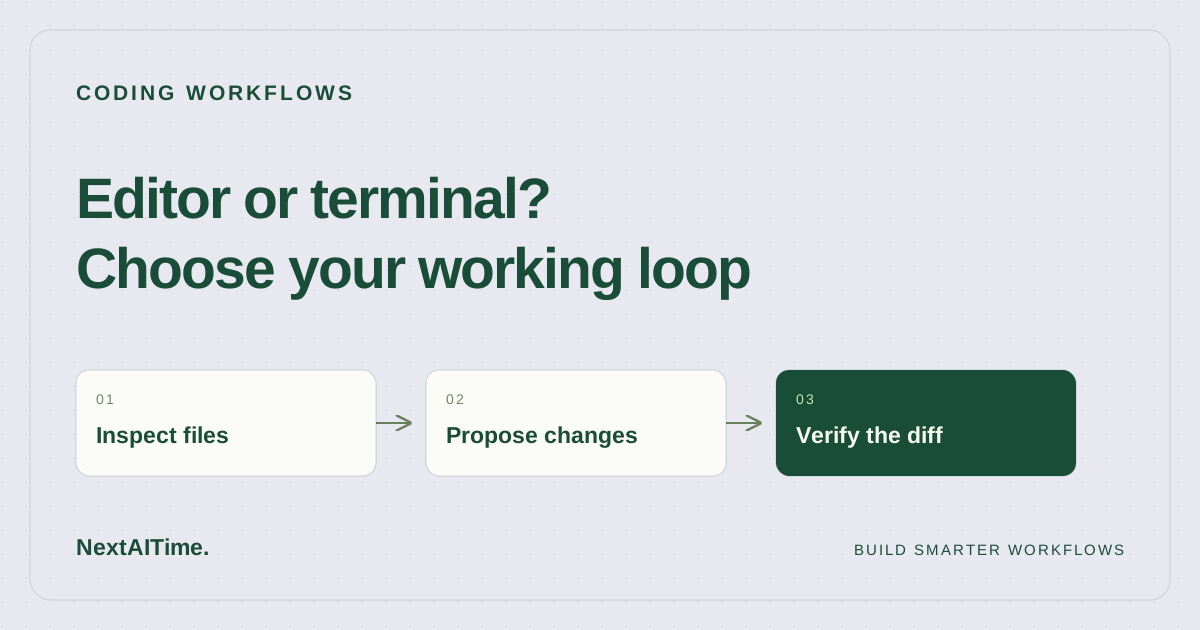
Use four criteria: where you inspect code, how the assistant gets repository context, how you approve commands and changes, and how you verify the result. A product that fits your existing habits may be easier to evaluate than one that requires a new workflow. That is a workflow judgment, not proof that it produces better code.
Three useful starting points
| Your task | Start by evaluating | Reason and tradeoff |
|---|---|---|
| Iterate on a feature while inspecting files | Cursor Agent | Its documented sidepane workflow combines editing, codebase search, and terminal execution. You still need to inspect the full diff. |
| Explore a repository from your existing shell | Claude Code | Its official README describes terminal use, code explanation, routine tasks, and Git workflows. Terminal familiarity does not remove setup or review work. |
| Edit, run checks, then request a separate local review | Codex CLI | Official documentation covers repository work and a dedicated review against changes, commits, or a base branch. A review finding still needs verification. |
These are deliberately overlapping choices. Anthropic also documents IDE and GitHub entry points, and OpenAI documents other Codex surfaces. Do not interpret a recommended starting point as an exclusive capability or a claim that another tool cannot handle the task.
When Cursor deserves the first trial
Cursor's Agent documentation describes file editing, codebase search, terminal execution, and access from a sidepane. That makes it a reasonable candidate when your work alternates between reading files, asking a question, and inspecting a proposed change in the same environment.
For example, ask it to trace the settings form to its save handler before changing validation. Require a plan naming the affected files, then approve a narrowly scoped patch. Inspect the failure state as carefully as the successful save. The practical tradeoff is that convenient editing can produce a larger patch than you intended; your task boundary needs to remain explicit.
When Claude Code or Codex CLI deserves the first trial
Claude Code's official repository describes a terminal-based agent that explains code, executes routine tasks, and handles Git workflows through natural language. Consider it if your normal loop already runs through a shell and you want assistance understanding unfamiliar code before editing. The README establishes the workflow, not its accuracy on your project.
Codex CLI documentation describes inspecting files, editing code, and running installed development tools. It also documents a dedicated review that reports findings without modifying the working tree. Consider it when you want an explicit transition from implementation to checking a diff. This separation is useful process design; it does not make the reviewer independent of every assumption in the implementation.
For either terminal candidate, start in a clean branch, check permissions, and specify the exact validation commands. Ask the assistant to report commands that could not run. An explanation of a test is different from evidence that the test executed successfully.
Run one representative comparison
- Choose a real, bounded issue: for example, preserve an existing filter when adding pagination.
- Give each candidate the same starting commit, issue description, constraints, and allowed commands.
- Ask for a code-path explanation before a patch. Check the cited files yourself.
- Apply the same acceptance checks, including an empty result and a malformed input.
- Record setup friction, manual corrections, changed files, and unresolved questions.
- Choose the workflow whose output you can understand and maintain. Keep the trial notes for a later reassessment.
Keep code quality and convenience separate in those notes. An assistant can feel fast while overlooking a requirement. Conversely, a slower first session may reflect installation or unfamiliar controls. One task is useful purchasing evidence for you, but it is not a general benchmark.
Make the decision reversible
Choose one primary tool for the trial period and retain ordinary Git checkpoints, CI, and human review. Before paying, check the current plan's limits and your organization's code handling requirements. We have omitted prices because this comparison does not verify subscription entitlements or billing terms.
Use our coding assistant selection guide to define requirements, then use the small-team review workflow to assess the output. The decision is successful when the assistant helps you complete a specific task while leaving a change you can confidently explain.
Sources & further reading
Primary references used for product and technical information. Features and terms can change; check the provider before committing.
- Cursor Agent overviewAccessed 2026-10-17
- Anthropic Claude Code official READMEAccessed 2026-10-17
- OpenAI Codex CLI documentationAccessed 2026-10-17